Google launched Veo 3.1 Lite on March 31, 2026 — the most affordable model in the Veo family at $0.05/sec for 720p. Here's what it can do, what it can't, and whether it's right for your workflow.
TL;DR
Veo 3.1 Lite is the most cost-efficient entry point to Google's video generation architecture — $0.05/second at 720p, less than half the price of Veo 3.1 Fast, with native audio included by default.
Veo 3.1 Lite costs $0.05/second at 720p — less than half the price of Veo 3.1 Fast at $0.10/second — and runs at the same generation speed on the same Diffusion Transformer architecture. The tradeoffs: Lite is capped at 8 seconds with no clip Extension and no 4K, while Fast supports longer clips and higher resolution tiers.
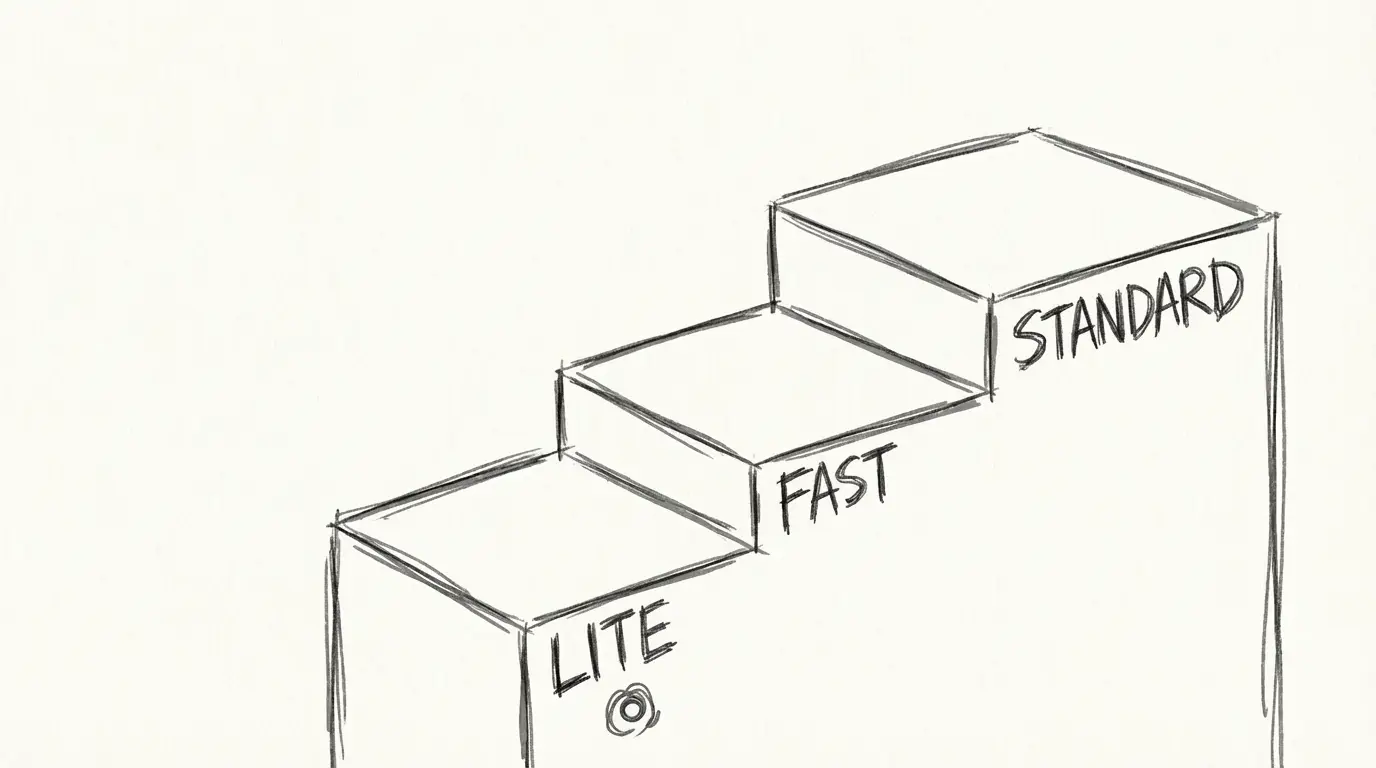
Google released Veo 3.1 Lite on March 31, 2026, completing the Veo 3.1 model family with a third, lower-cost tier. The lineup now looks like this:
| Tier | Use Case |
|---|---|
| Veo 3.1 (Standard) | Maximum quality, final deliverables |
| Veo 3.1 Fast | Balanced quality + speed |
| Veo 3.1 Lite ⭐ | High-volume, cost-sensitive, prototyping |
Lite slots at the bottom on price — not on capability. It runs on the same Diffusion Transformer architecture as the rest of the Veo 3.1 family, operating in a compressed latent space rather than pixel space for efficient generation. The model processes video frames as a continuous sequence of spatio-temporal tokens, which gives it better temporal consistency than older U-Net approaches.
The timing isn't accidental. OpenAI quietly wound down Sora around the same period, and Google has been clear it's doubling down on video generation across YouTube Shorts, Google Photos, Google Vids, and the Gemini app. Veo 3.1 Lite is the developer-facing entry point to that ecosystem.
Here are the real numbers from Google's announcement:
| Model | 720p | 1080p | 4K |
|---|---|---|---|
| Veo 3.1 Lite | $0.05/sec | TBD | ❌ Not supported |
| Veo 3.1 Fast (after Apr 7) | $0.10/sec | $0.12/sec | $0.30/sec |
| Veo 3.1 Standard | Higher | Higher | Supported |
For reference: an 8-second clip at 720p with Veo 3.1 Lite costs $0.40. The same clip with Veo 3.1 Fast (post April 7 pricing) costs $0.80 — exactly double.
Google is also cutting Veo 3.1 Fast prices on April 7, 2026, so if you're already using Fast, your costs drop automatically.
| Specification | Veo 3.1 Lite |
|---|---|
| Resolutions | 720p, 1080p |
| Durations | 4s, 6s, 8s |
| Aspect ratios | 16:9 (landscape), 9:16 (portrait) |
| Modes | Text-to-Video, Image-to-Video |
| Audio | Native (ambient + sound effects) |
| 4K | ❌ |
| Extension | ❌ |
| Access | Gemini API (paid tier), Google AI Studio |
| Architecture | Diffusion Transformer (latent space) |
The native audio is worth calling out. You don't need to add sound in post — Veo 3.1 Lite generates synchronized ambient noise and sound effects automatically. Here's an example of what native audio looks like in practice:
The model also handles vertical (9:16) framing natively, which matters if you're generating content for YouTube Shorts, Instagram Reels, or TikTok:
Commercial and product-style shots hold up well at both resolutions:
Both models run at the same speed. The difference is cost and maximum quality ceiling.
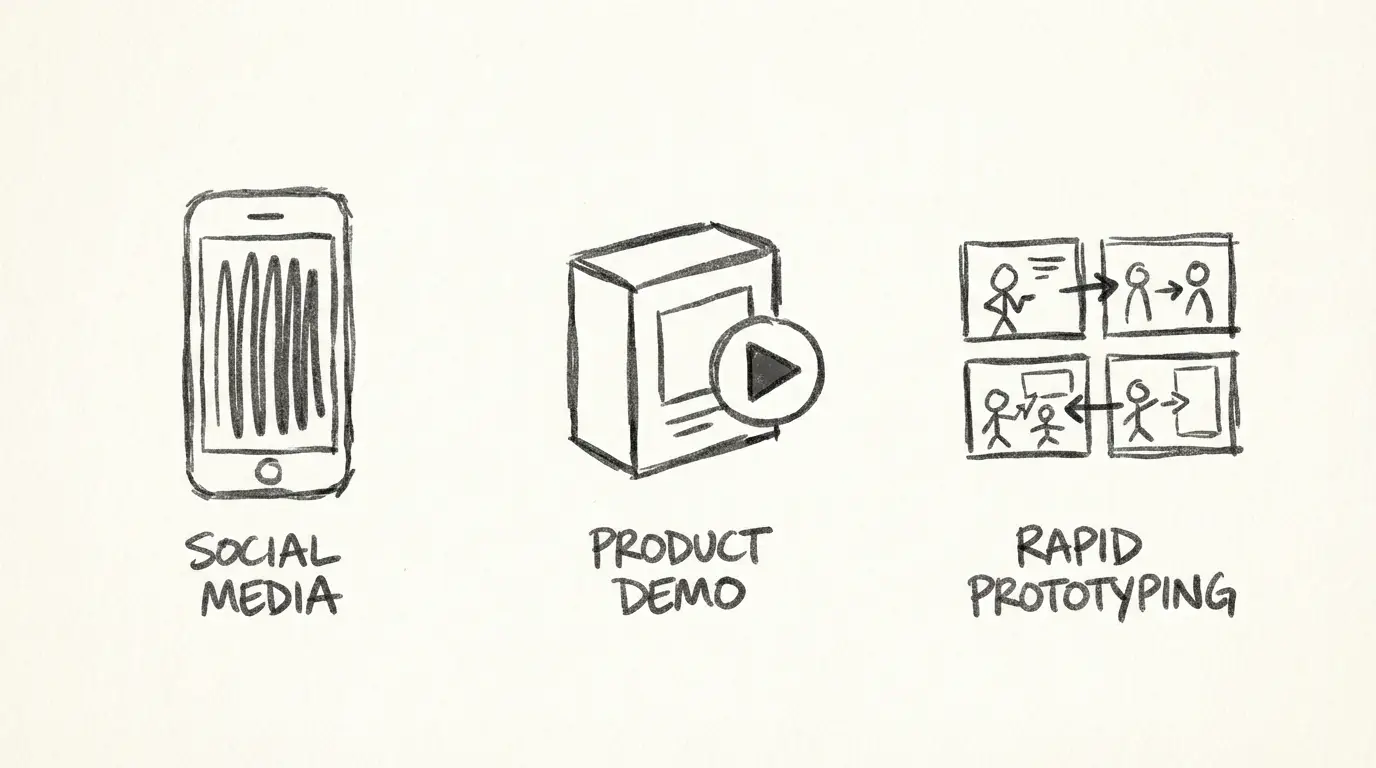
| Scenario | Recommended |
|---|---|
| Social media clips (Shorts, Reels, TikTok) | Lite |
| Rapid A/B prototyping for ad concepts | Lite |
| High-volume batch generation | Lite |
| Client deliverables shown on large screens | Fast or Standard |
| Final commercial video (hero shots) | Standard |
| Iterating on a concept before final render | Lite → Standard |
The smart workflow: prototype with Lite at $0.05/sec, then render the winning version with Standard for final delivery. You save money on the 90% of clips that don't make the cut.
No padding here — here's what Veo 3.1 Lite doesn't do:
Go to the Veo 3.1 Lite generator on this platform. Write your prompt, pick duration and aspect ratio, and generate. 20 credits = 8 seconds. No Gemini API key required.
You need a paid Gemini API tier. The model ID is veo-3.1-lite-generate-preview. Send a POST request to the video generation endpoint with your prompt, duration (4, 6, or 8), and aspect ratio (16:9 or 9:16).
Go to Google AI Studio, select Veo 3.1 Lite from the model dropdown, and generate directly in the browser. Good for one-off experiments.
Watch this tutorial for a walkthrough of Veo 3.1 in Google AI Studio — the same workflow applies to Lite:
| Feature | Veo 3.1 Lite | Wan 2.7 | Kling 3.0 |
|---|---|---|---|
| Native audio | ✅ | ❌ | ❌ |
| Max clip duration | 8s | 15s | 10s |
| Native resolution | 720p / 1080p | 1080p | 1080p |
| Parameterized camera controls | ❌ | ❌ | Limited |
| Multi-shot engine | ❌ | ❌ | ❌ |
| First / last frame control | ❌ | ✅ | ❌ |
| Instruction-based editing | ❌ | ✅ | ❌ |
| T2V + I2V | ✅ | ✅ | ✅ |
| Open source | ❌ | Planned | ❌ |
| Best for | Budget audio generation | FLF2V, multi-reference | Cinematic quality |
In short:
This platform gives you direct access to Veo 3.1 Lite without API setup. Veo 3.1 Lite is priced at 20 credits for 8 seconds — half the cost of Veo 3.1 Standard (40 credits). Credits work out cheaper in bundles, making Lite the obvious choice for high-volume social content or rapid prototyping before committing to a final render.
→ Generate with Veo 3.1 Lite — 20 credits for 8s, no setup required.
Pricing data is sourced from Google's official Veo 3.1 Lite announcement (March 31, 2026) and the Gemini API documentation. Platform credits pricing reflects Veo 4.0's current rates and may change.
Page-specific visual proof
This page now includes owned media examples and in-body links so readers can move from search intent into a relevant UndressMe AI creation path.
Current guide: Google Veo 3.1 Lite: Half the Cost of Veo 3.1 Fast, Same Speed
REFINE RESULTS
Dedicated generators for distinct visual outcomes.
Start from a look, then choose the matching workflow.

Start with the look, then reuse the same character direction across photos, prompts, and motion.
Move the strongest still image into a short visual clip once the style is stable.
Help crawlers and readers move between transactional, visual, anime, and safety pages.
A broader in-body crawl path across the current SEO page set.
Use these as proof-rich paths from girlfriend intent into image, video, and prompt workflows.


Learn exactly how to prompt Veo 3.1 Lite for cinematic results. Covers shot types, camera movement, audio, and 20+ copy-paste prompts across genres — no fluff.

How to use Veo 3.1 Lite's image-to-video mode to create product demos, social media content, and brand videos from still photos — with real examples and workflow tips.

Google Veo 4 launched in April 2026 with storyboarding, 10–30 second clips, multi-angle generation, and real-time editing. Here's what it can do, how it compares to Veo 3.1, and whether it's right for your workflow.